Everything You Need to Know Before Digitizing Paper Records
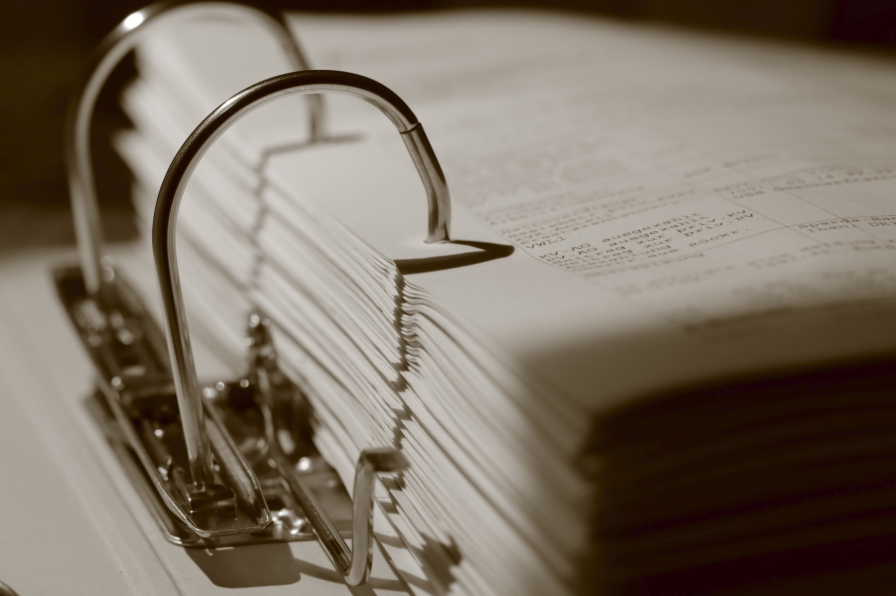
Paper documents have long been an important part of how information is stored and managed. From customer files and employee records to contracts, invoices, and financial documents, paper records can build up over time and become harder to organize. As the amount of paperwork grows, finding and managing important information can take more time.
Digitizing paper records provides a practical way to convert physical documents into organized digital files. Instead of searching through boxes and folders, employees can quickly find the records they need from a computer or secure document management system.
This guide explains what businesses should know before starting a digitization project, how to prepare records, and what steps can help make the transition from paper to digital files easier.
Why Businesses Are Moving Away From Paper Records
Many organizations still rely on paper documents because they have been part of everyday business operations for years. While paper files remain useful in some situations, they can create challenges as the amount of information grows.
Some common problems include:
- Limited office storage space
- Slow document retrieval
- Difficulty sharing files between employees
- Risk of damaged or misplaced records
- Higher storage and management costs
By digitizing paper records, businesses can improve efficiency while creating a more organized way to manage important information.
If you’d like to understand how businesses benefit from reducing paper storage, read our guide on the benefits of digitizing paper records.
What Does It Mean to Digitize Paper Records?
Digitizing paper records means converting physical documents into electronic files that can be stored, organized, and accessed digitally.
The process typically includes:
- Preparing paper files
- High-quality scanning
- Image enhancement
- OCR (Optical Character Recognition)
- Quality review
- Digital file organization
Once completed, employees can search, retrieve, and share documents much faster than searching through paper files.
Businesses that need professional assistance often work with document scanning services to manage large volumes of records securely and efficiently.
Which Documents Should Be Digitized?
Almost every business stores documents that can benefit from digital conversion.
Common examples include:
- Employee files
- Contracts and agreements
- Financial records
- Purchase orders
- Customer files
- Medical records
- Legal documents
- Engineering drawings
- Blueprints
- Historical archives
Digitizing frequently used records first often provides the quickest return because employees spend less time searching for information.
Get Your Records Ready
Before the scanning starts, take some time to get your paper records in order. This can help avoid delays and make your digital files easier to manage later.
Start by Grouping related documents together
- Removing duplicate paperwork
- Putting records in the right order
- Separating fragile or oversized pages
- Choosing how files will be named
A little organization upfront can make the scanning process smoother and reduce mistakes along the way.
If you’re working with a large number of records, our guide on preparing paper files can help you get everything ready before scanning.
Understanding the Document Scanning Process
Many businesses assume scanning simply involves feeding paper into a scanner. In reality, professional projects follow a structured workflow that helps maintain accuracy and document organization.
A typical project includes:
- Collecting documents
- Preparing files
- High-speed scanning
- OCR processing
- Quality control
- Digital delivery
Learning about the complete document scanning process can help businesses understand what to expect before starting a project and how each step contributes to accurate digital records.
Plan Your Budget Before Starting
The size and complexity of every project are different. Costs may vary depending on:
- Number of documents
- Document size
- OCR requirements
- File format
- Document preparation
- Indexing requirements
Understanding document scanning pricing before starting a project helps businesses create realistic budgets and choose the right approach for their needs.
Benefits Beyond Saving Space
While reducing storage space is one of the biggest advantages, digitization provides several long-term benefits.
Organizations often experience:
- Faster document retrieval
- Improved collaboration
- Better document security
- Easier disaster recovery
- Reduced paper storage costs
- Improved workflow efficiency
Digital records also make it easier to support remote teams by providing secure access to important business information from multiple locations.
Common Planning Mistakes
Businesses often delay digitization until paper storage becomes overwhelming.
Some common mistakes include:
- Waiting too long to start.
- Organizing records after scanning instead of before.
- Choosing inconsistent file names.
- Ignoring OCR requirements.
- Not planning future document management.
Addressing these issues early can save both time and money throughout the project.
Final Thoughts
Digitizing paper records is more than simply replacing filing cabinets with digital folders. It is an opportunity to improve organization, increase productivity, and create a more efficient way to manage business information.
Whether you’re converting a few boxes of documents or decades of archived records, careful planning makes the transition much smoother.
If your business is ready to move from paper records to digital files, learn more about our document scanning services and discover how professional document digitization can help organize and protect your valuable business information.
Image by Pexels