
Steps to Effectively Manage Your Business Records Digitally
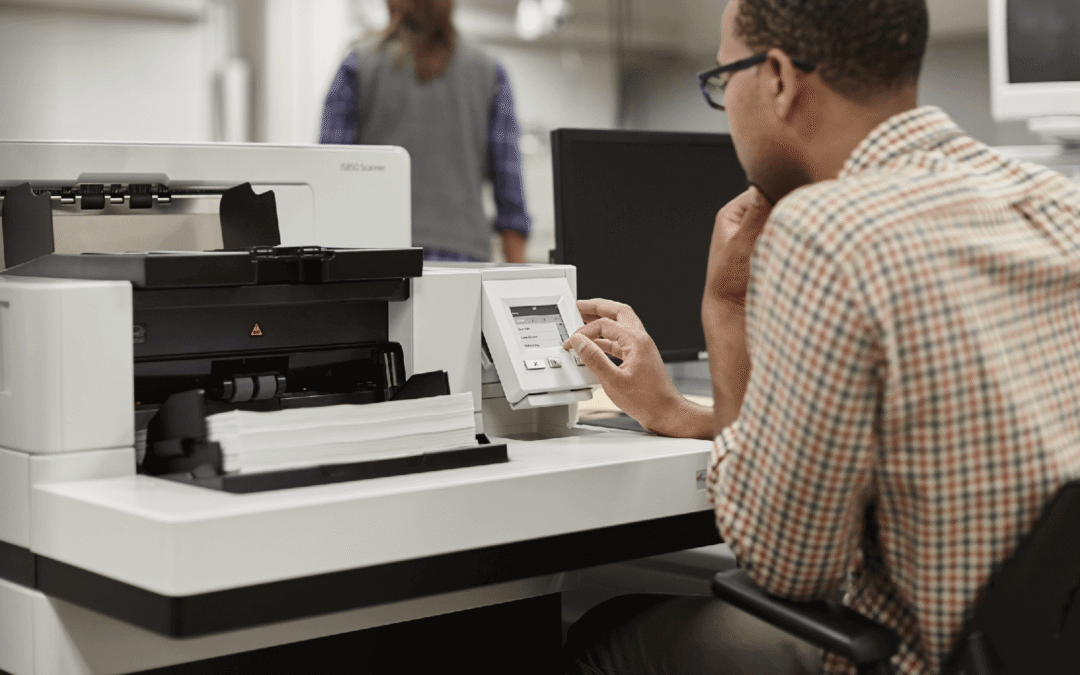
Running a business in today’s world means dealing with more data and paperwork than ever before. From invoices and employee files to contracts and reports, records keep piling up. But keeping everything in file cabinets or storage boxes is not only hard to manage, it’s also risky and costly. That’s why digital records management has become a must for modern businesses. By going digital, companies in Van Nuys, CA, can save time, reduce clutter, and make their operations much more efficient.
If you are a business owner, operations manager, or office professional, you may already know the struggle of handling paperwork. The good news is that switching to digital records is easier than you think. With the right steps, you can organize your documents, keep them secure, and access them whenever you need—all without digging through piles of paper.
In this blog, we’ll walk you through the key steps to effectively manage your business records digitally.
Why Digital Record Management Matters
Switching to digital records is more than just about reducing paper. It’s about making sure your information is safe, organized, and easy to find when you need it. Lost files, damaged papers, or overflowing cabinets can slow down your work. But with digital systems, your documents are stored securely, searchable within seconds, and backed up to avoid loss.
For business owners and office managers, this means fewer delays and better workflows. For operations managers, it allows teams to focus on important tasks instead of wasting time sorting through stacks of paper. Digital records also help companies stay compliant with regulations since files are easier to track and store safely.
Step 1: Start with a Clear Record Management Plan
Every successful system begins with a plan. You’ll want to:
- List Your Documents: Identify what types of records you need to manage (invoices, HR files, contracts, etc.).
- Set Rules for Retention: Decide how long to keep documents and when to dispose of them safely.
- Choose Storage Locations: Pick where your digital files will live, such as cloud storage or secure servers.
Having a written plan ensures that everyone in your office follows the same process.
Step 2: Scan and Digitize Paper Files
Once your plan is ready, the next step is moving your paper records into digital form. This is where document scanning services come in handy. Scanning turns paper into digital images, which can then be stored, organized, and retrieved easily.
- Bulk Scanning: Convert entire file rooms or storage boxes into digital files.
- On-Demand Scanning: Only digitize active or frequently used documents.
- Searchable PDFs: Create files that allow you to find specific words or phrases quickly.
By scanning your records, you immediately cut down on clutter and reduce the chance of losing important paperwork.
Step 3: Organize and Index Your Files
Digitizing is only half the job. The real benefit comes from how you organize those files. Imagine putting all your papers into one giant folder—it would still be messy.
To avoid digital chaos:
- Use Clear File Names: Include dates, project names, or client names in the titles.
- Create Folders and Categories: Sort documents into logical groups, like finance, HR, or legal.
- Apply Tags and Metadata: Add keywords to files for easy searching.
This step makes it simple to pull up any record in seconds.
Step 4: Convert and Standardize File Formats
Different documents may come in different formats—Word files, images, spreadsheets, and more. This can cause confusion and accessibility issues. To avoid this, many companies rely on document conversion services.
Conversion helps by:
- Standardizing Files: Ensuring all documents are saved in common formats like PDF.
- Improving Compatibility: Making sure files open on any device.
- Preserving Quality: Protecting images, charts, and layouts during the transfer process.
When all files follow a consistent format, your team spends less time troubleshooting and more time working productively.
Step 5: Ensure Security and Access Control
Protecting your digital records is just as important as organizing them. Data breaches can hurt your reputation and cost you money.
Here are some simple ways to improve security:
- Passwords and Permissions: Limit access to sensitive files.
- Encryption: Protect files with advanced coding so only authorized users can open them.
- Backups: Keep regular backups on secure servers or cloud platforms.
By setting clear access rules, you keep your business safe while ensuring the right people can access what they need.
Step 6: Train Your Team
Even the best system will not work if your team doesn’t know how to use it.
- Provide Training Sessions: Show employees how to store, search, and share files.
- Create Guidelines: Write simple instructions for file naming, tagging, and organizing.
- Encourage Good Habits: Make it routine to update digital records instead of relying on paper.
Training ensures consistency and helps avoid mistakes that could lead to lost or misplaced files.
Step 7: Keep Updating and Improving
Digital record management is not a one-time project—it’s an ongoing process.
- Review Regularly: Check if files are up to date and organized properly.
- Upgrade Tools: As technology improves, adopt better scanning, storage, or security solutions.
- Get Feedback: Ask your team what works and what needs improvement.
Constant updates keep your system efficient and effective.
Conclusion
Managing business records digitally may sound overwhelming at first, but by taking it step by step, it becomes much easier. Start with a clear plan, scan and convert your documents, organize them well, secure access, train your team, and keep refining the process. The result will be faster workflows, fewer mistakes, and more peace of mind. For businesses in Van Nuys, CA, looking to simplify the transition, professional support can make all the difference. Companies like DRM, DOCUMENT SCANNING & SHREDDING SERVICE offer the right tools and expertise to help you manage your records with confidence.